Reporting
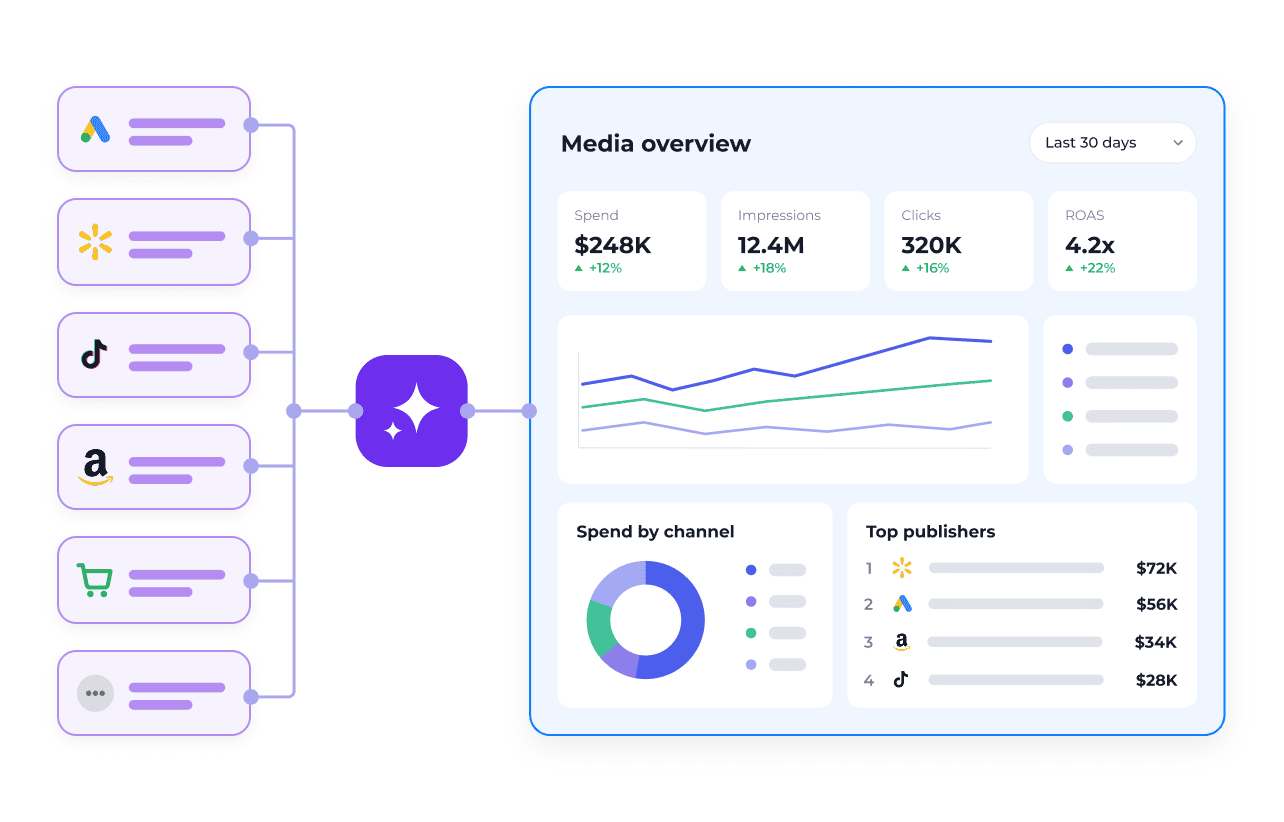
Access complete media data.
- 300+ channels and publishers across two MCPs
- One consistent data structure
- Publisher connections maintained by Skai
- Unified spend, pacing, and performance data
Connect AI assistants like ChatGPT, Claude, and Cursor to Skai through the Model Context Protocol.
Connect once, then add the layers you need.
Access complete media data.
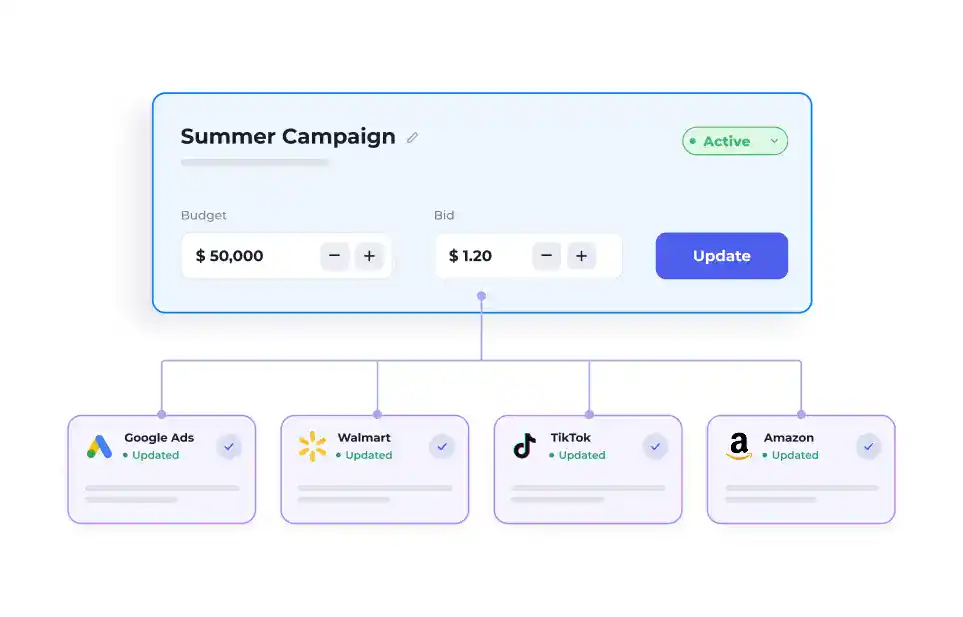
Take action at scale.
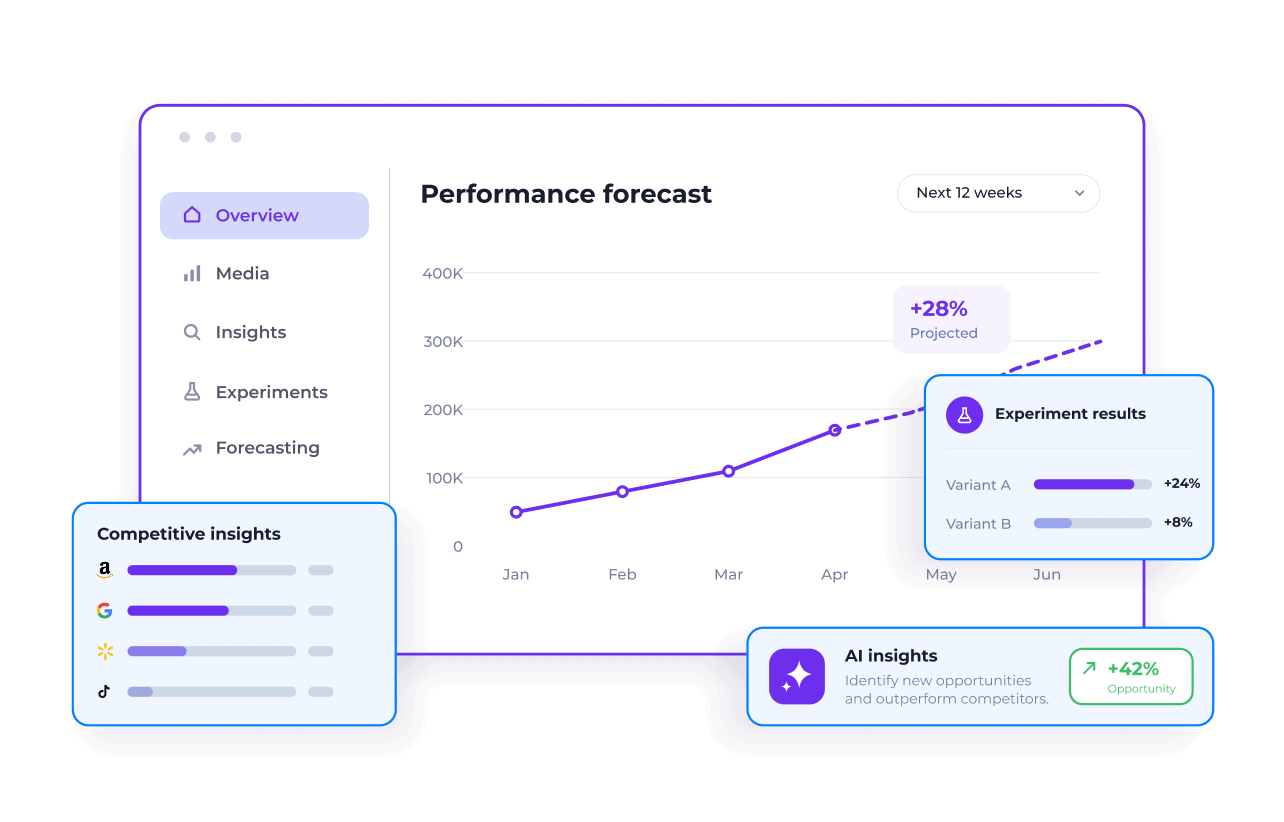
Apply proven media intelligence.
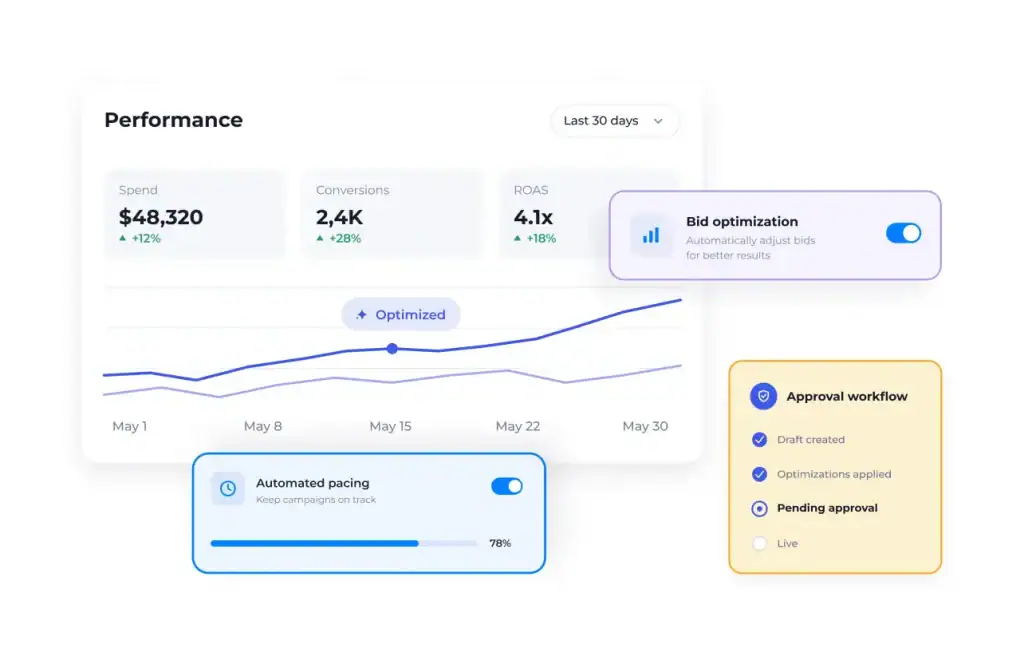
Optimize with control.
Not available yet. We'll link the guide here when it ships.
Why connect Skai
Watch a Skai-connected agent reason, call the Reporting MCP and Campaign Actions Connector tools, and stage a change for your approval — live.
Real examples of what an agent can do once it's connected — pick a role or channel to see the ones most relevant to you.
Why one connector across every publisher beats even the best single-publisher MCP — plus measured tool calls, cost, and speed, and an interactive cost-at-scale calculator.
Getting started
Reporting data at various granularity levels, as well as change log data.
Your Skai account identifier - looks like ks1234. Type the digits once and every URL and config below becomes yours.
Don't see Developer mode under Apps → Advanced settings? That's a workspace admin setting on Business/Enterprise/Edu plans — ask your admin, and send them this page for exactly what to enable.
Open ChatGPT on the web, go to Settings → Apps (called Apps & connectors in some workspaces) → Advanced settings and switch on Developer mode.
Back on Apps, click Create app and give it a name (Skai works).
https://mcp.kenshoo.com/reports-mcp/ks1234Under Authentication, choose OAuth, open the authentication Advanced settings, and paste this client ID (leave the secret blank):
NB1XppreF8kHUVpRtrQKksayoedpfatmClick Create. When prompted to connect, authorize the app in the browser with your Skai login.
Start a new chat with the app enabled and ask: "What Skai tools do you have access to?"
You should see get_today, relevant_columns, fetch_report, get_change_log, get_competitive_context, list_resources, read_resource, list_entities, reports_feedback.
ChatGPT does not support header-based tokens, so there is no PAT fallback here. If authorization fails, contact your Skai representative.
https://mcp.kenshoo.com/reports-mcp/ks1234NB1XppreF8kHUVpRtrQKksayoedpfatmhttps://mcp.kenshoo.com/reports-mcphttps://auth0.kenshoo.com/authorizehttps://login.kenshoo.com/api/oauth/tokenhttps://us-east-1.quicksight.aws.amazon.com/sn/oauthcallback