Reporting
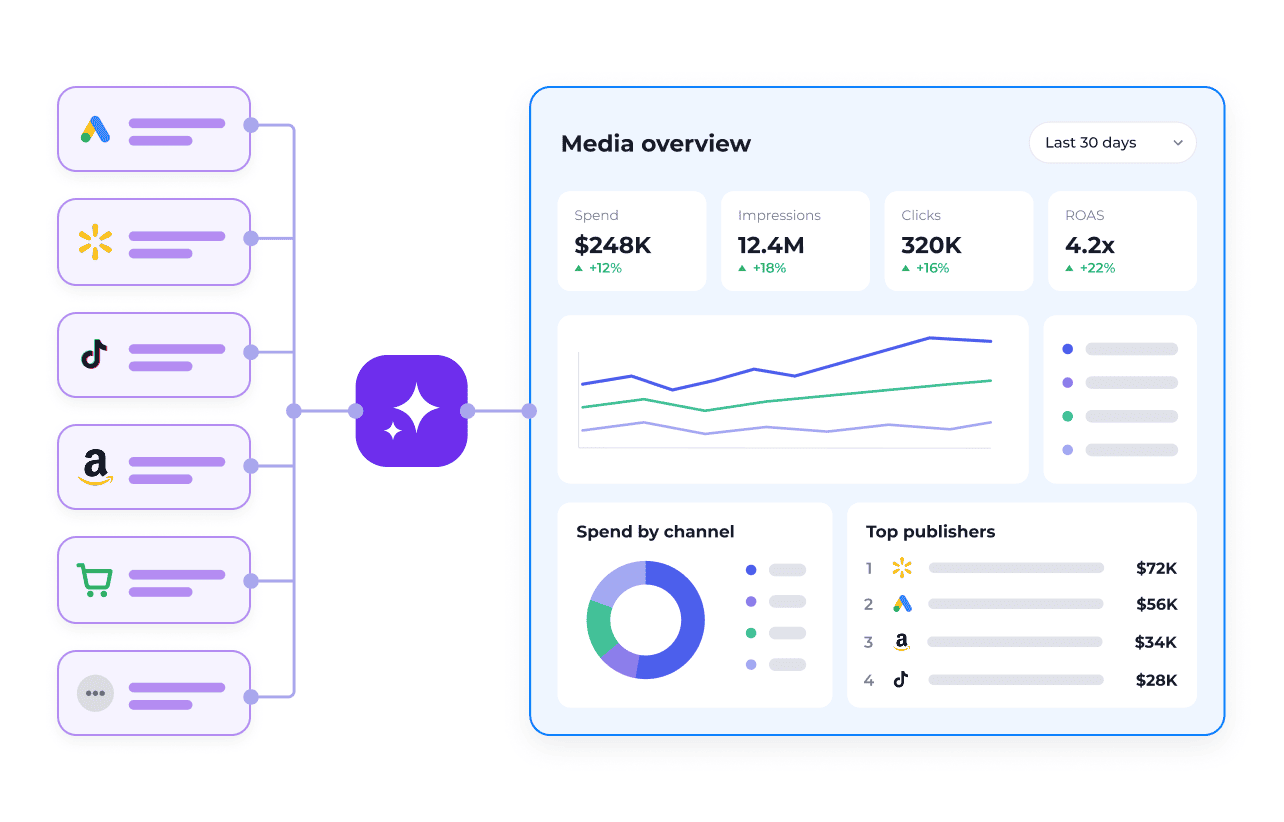
Access complete media data.
- 300+ channels and publishers across two MCPs
- One consistent data structure
- Publisher connections maintained by Skai
- Unified spend, pacing, and performance data
Connect AI assistants like ChatGPT, Claude, and Cursor to Skai through the Model Context Protocol.
Connect once, then add the layers you need.
Access complete media data.
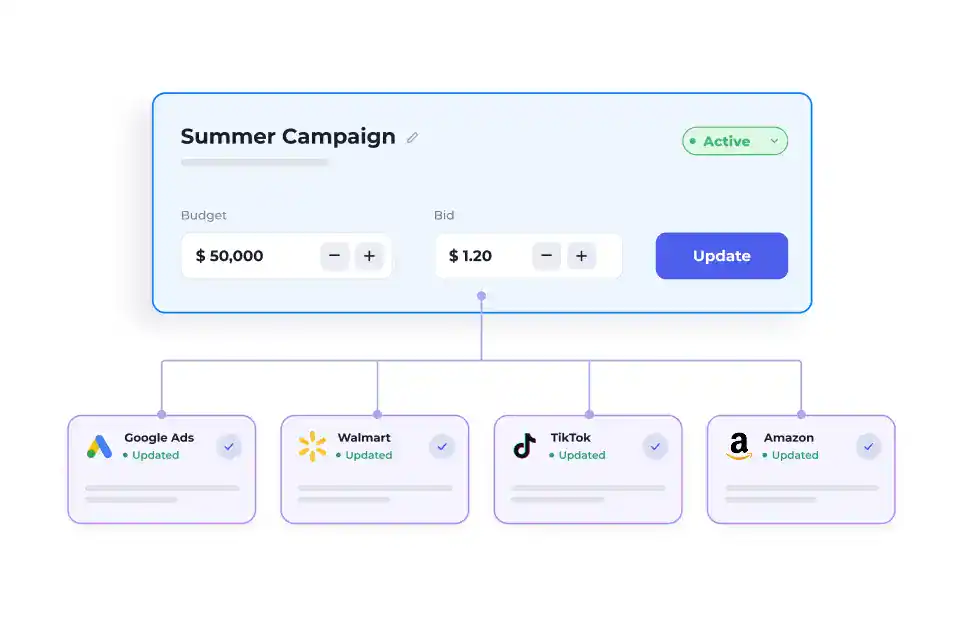
Take action at scale.
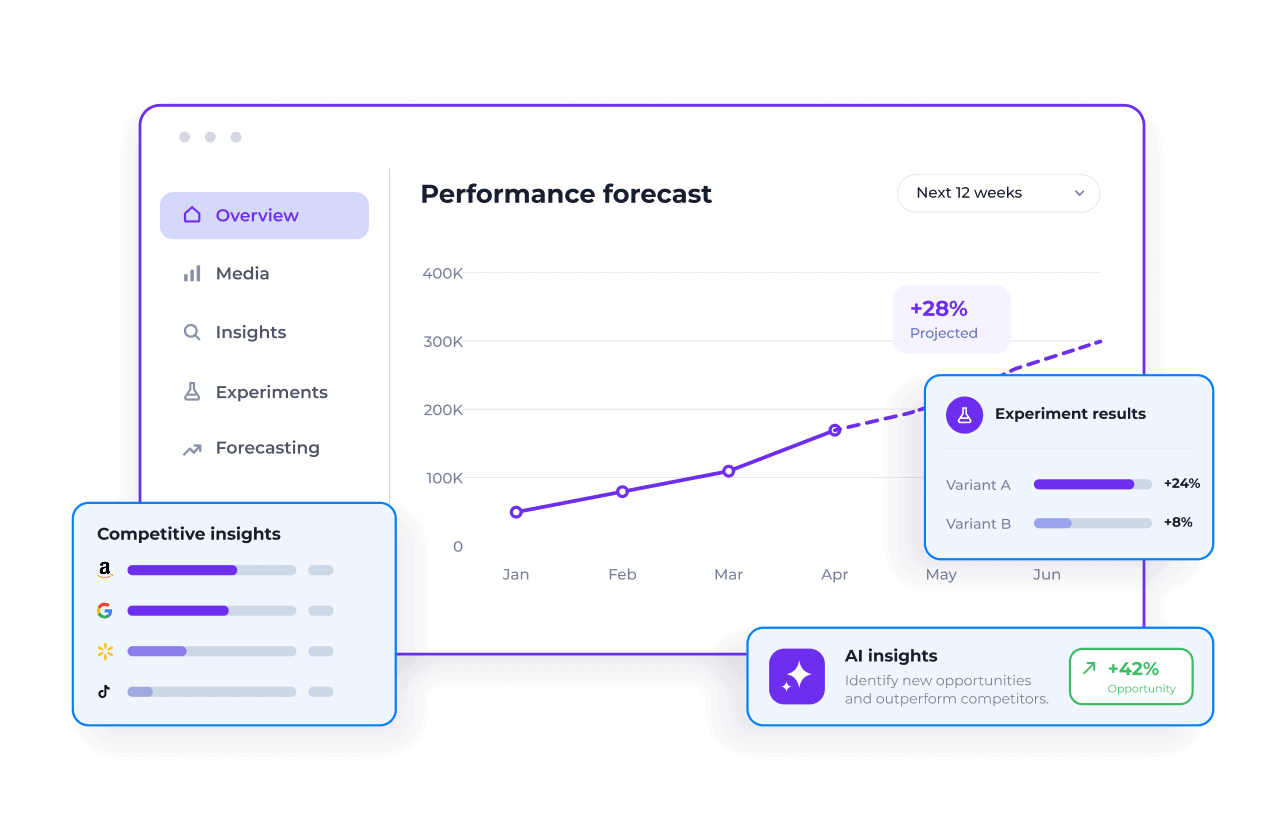
Apply proven media intelligence.
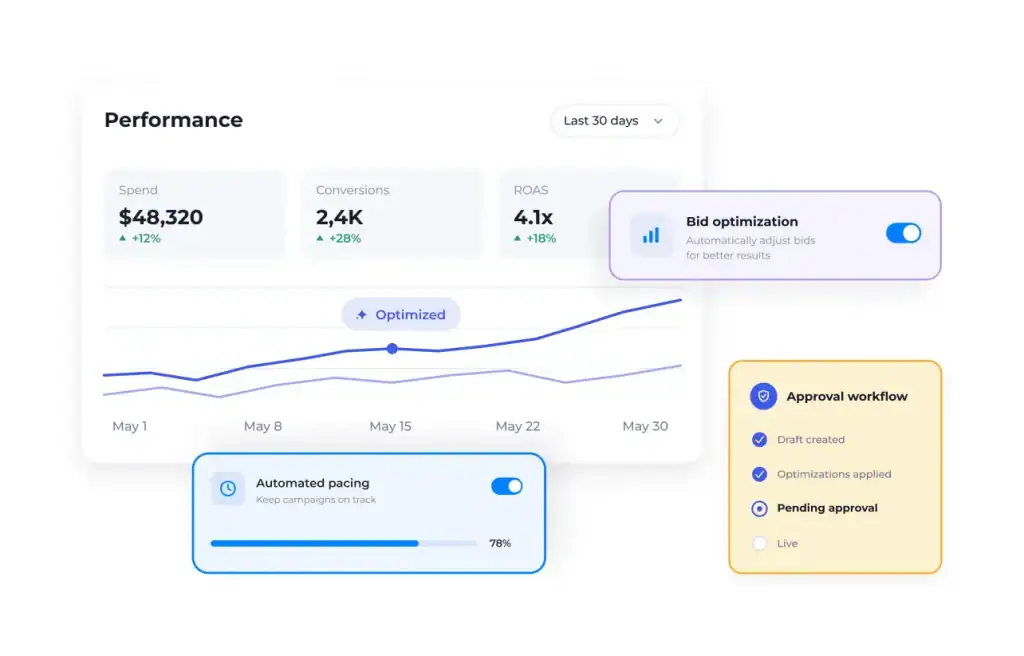
Optimize with control.
Not available yet. We'll link the guide here when it ships.
Why connect Skai
Watch a Skai-connected agent reason, call the Reporting MCP and Campaign Actions Connector tools, and stage a change for your approval — live.
Real examples of what an agent can do once it's connected — pick a role or channel to see the ones most relevant to you.
Why one connector across every publisher beats even the best single-publisher MCP — plus measured tool calls, cost, and speed, and an interactive cost-at-scale calculator.
Getting started
Reporting data at various granularity levels, as well as change log data.
Read-only Reads your performance data, change history and competitive context from Skai. It never changes anything in Skai or on your publishers. Compare all connectors
Your Skai account identifier - looks like ks1234. Type the digits once and every URL and config below becomes yours.
Don't see Add custom MCP server? On Business, Enterprise, and Edu workspaces that's an admin permission. Ask your admin, and send them this page for exactly what to enable.
In Codex or ChatGPT, go to Settings → Plugins and select Browse directory. Start from the directory: that's where the custom server option lives.
Open the Add menu and choose Add custom MCP server. Give it a name you'll recognize, like Skai Reporting. The description is optional.
Under Connection, keep Server URL selected and paste:
https://mcp.kenshoo.com/reports-mcp/ks1234Set Authentication to OAuth and open Advanced OAuth settings. Choose User-Defined OAuth Client as the registration method, paste this client ID, and leave the client secret blank:
NB1XppreF8kHUVpRtrQKksayoedpfatmTick I understand and want to continue, then select Create as a plugin. Back on the Plugins page, choose Finish setup and sign in with your Skai login. The plugin then shows up under Settings → Plugins, switched on.
Start a new thread and ask: "What Skai tools do you have access to?"
You should see get_today, relevant_columns, fetch_report, get_change_log, get_competitive_context, list_resources, read_resource, list_entities, reports_feedback, reports_connection_info.
Check that the registration method is User-Defined OAuth Client and the client ID matches the one above exactly. Codex and ChatGPT connect with OAuth only, so there's no personal access token option here. If it still won't connect, your Skai representative can help.
Every connector works through Skai with your own Skai login, so your agent only sees the accounts and actions your Skai permissions already allow. Here's what each one reads and what it can change.
Reads your performance data, change history and competitive context from Skai. It never changes anything in Skai or on your publishers.
Built on Skai's reporting API
Makes the changes you approve on the publishers Skai manages for you: bids, budgets, statuses, keywords and negatives, and new campaigns. Every change is previewed for a person to approve before it's applied.
Built on Skai's bulk update engine, the same one behind bulksheets
Brings Skai's own intelligence to your agent: forecasts, recommendations, experiments, Celeste and AMC reporting. It can also set things up in Skai for you, like pacing monitors, experiments and alerts. It doesn't change your publisher campaigns.
Built on Skai services that until now only ran inside the Skai platform
Will put Skai's optimization to work from your agent: updating optimization settings in Skai and pushing the resulting changes through to your publishers.
Built on Skai's optimization services plus the bulk update engine
https://mcp.kenshoo.com/reports-mcp/ks1234NB1XppreF8kHUVpRtrQKksayoedpfatmhttps://mcp.kenshoo.com/reports-mcphttps://auth0.kenshoo.com/authorizehttps://login.kenshoo.com/api/oauth/tokenhttps://us-east-1.quicksight.aws.amazon.com/sn/oauthcallback